How to Build an AI Sales Room
QwikBuild Team
Jan 27, 2026
Introduction
In high-ticket sales, deals don’t get delayed because the product isn’t good — they get delayed because everything is scattered.
Proposals in email. Case studies in PDFs. Demos in WhatsApp. Security docs in Drive. And the buyer’s team keeps asking for “one place where we can see everything.”
That’s exactly what an AI Sales Room solves.
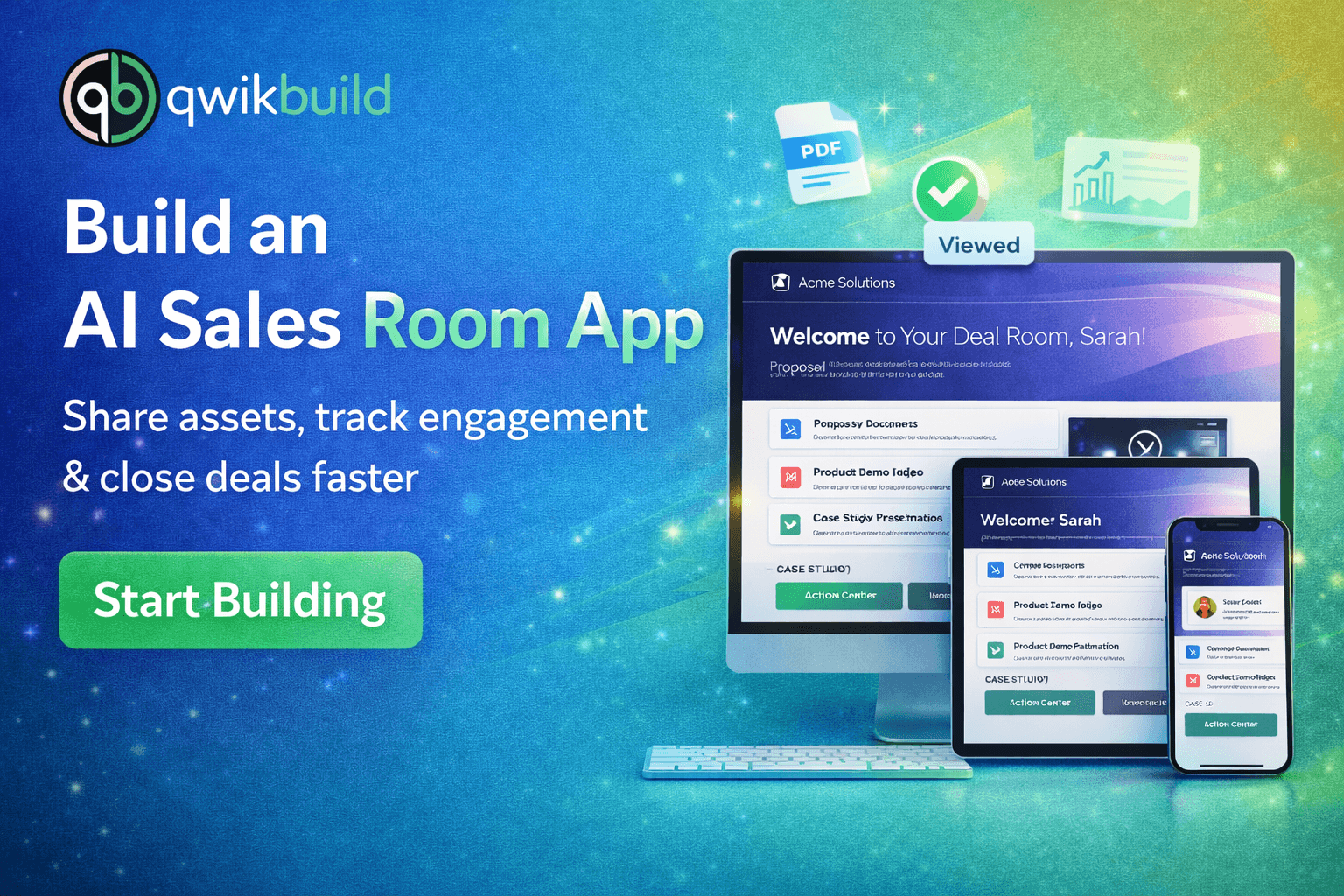
Using QwikBuild, you can build a premium Digital Sales Room app where every prospect gets a personalized mini-website with everything they need to review, share internally, and move forward faster.
This tutorial shows you how to build it.
The Challenge: Most sales teams face the same problems:
Content is spread across different tools and links
Prospects can’t find the latest proposal or document
Multiple decision-makers need access (buying committee)
Follow-ups happen blindly (no idea if they viewed anything)
Deals slow down because the process feels unorganized
Goal: Create one premium link per prospect that feels like a “VIP deal workspace.”
Step 1: Initial Prompt & Requirement Gathering
The rep started with a simple idea:
Build a premium Digital Sales Room app that helps me close high-value deals faster. Every prospect should get a secure, personalized link that feels like a VIP deal workspace—welcome message, proposal, demos, case studies, and documents—all organized beautifully. I need a dashboard for reps to create and track deal rooms, analytics to see what prospects viewed, and a strong CTA section so prospects can take the next step instantly. Add AI personalization so the room highlights the best proof and messaging for the prospect’s industry. Make the UI clean, modern, and high-trust. Build the first version now.
Step 2: Update the App — Improve Personalization & Closing Experience
After testing the first version, the team improved it to feel more premium and conversion-focused.
Update Request 1 — Make Each Deal Room Feel Personalized
Every prospect room should look like it was built only for them.
Add fields like:
Company name
Company logo
Personalized welcome message
Result:
Every deal room feels custom
Higher trust and better buyer experience
Update Request 2 — Add AI Suggestions for Faster Closing
Reps wanted the app to help them decide what to highlight.
Add an AI feature that:
Analyzes the prospect industry
Suggests best case studies to show
Suggests messaging and talking points
Result:
Rooms become smarter
Reps save time
Prospects see relevant proof faster
Update Request 3 — Engagement Analytics + Action Center
Reps wanted visibility + next steps.
Add:
Simple analytics (room views, asset views)
A clear “Action Center” with CTA buttons:
Schedule Follow-up
Sign Contract
Chat with Sales
Result:
Reps know when prospects engage
Follow-ups become perfectly timed
Deals move faster
Key Features
Rep dashboard to manage deal rooms
Unique deal room link per prospect
Prospect company name + logo + welcome message
Asset repository (PDFs, demos, case studies)
AI personalization suggestions
Engagement analytics
Action Center with clear CTAs
Premium, clean, high-trust UI
Wrapping Up
With QwikBuild, you can build a premium AI Sales Room app that replaces scattered links and messy follow-ups with one clean, professional experience.
It’s one link that helps prospects say:
✅ “This feels organized.”
✅ “This looks premium.”
✅ “Let’s move forward.”
Want to see this app in action? Click here