How to Build a Studio Booking System App

Vinay Verma
Jan 28, 2026
Introduction
If you run a yoga studio, fitness class, dance academy, or wellness space, you already know the struggle:
People keep asking “Is there a slot available?”
Bookings come from DMs, WhatsApp, calls… and it becomes messy very fast.
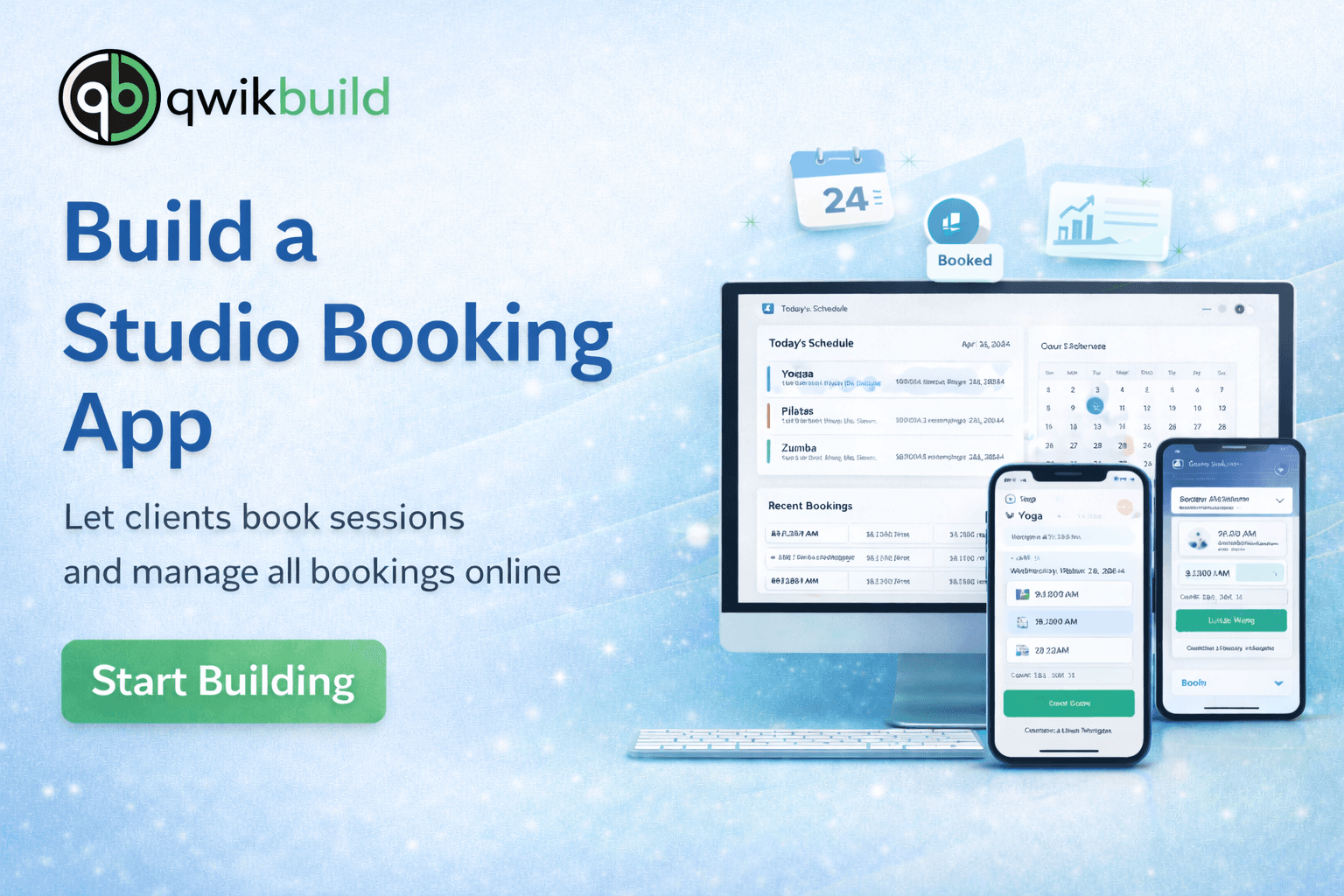
With QwikBuild, you can build your own Studio Booking App in minutes — where customers can book slots, and you can manage everything from one clean dashboard.
This tutorial shows you exactly how.
Step 1: Initial Prompt & Requirement Gathering
The studio owner sent a simple message like:
Build a premium, high-converting Health Studio Website for a modern wellness brand named {{Studio Name}} in {{City}}. The website should feel like a high-end boutique fitness studio (Yoga / Pilates / Strength / Spin). Tagline: {{Studio Tagline}} Primary goal: help visitors Book a Trial Class and View Schedule easily. Include sections: Hero, Programs, Membership Plans, Coaches, Gallery, Testimonials, FAQ, Contact. Make it mobile-first, smooth scrolling, clean typography, and premium spacing. Add a sticky navbar + floating “Book Trial” button. Use minimal colors (cream/charcoal/muted green) and a modern editorial look. Build the first version now.
The Challenge: Before using QwikBuild, studio owners usually manage bookings using:
WhatsApp chats & calls
Manual slot tracking
Google Sheets / registers
Payments and confirmations done separately
This often creates problems like:
❌ Double bookings
❌ Missed messages + delayed confirmations
❌ No clear schedule visibility
❌ Hard to track daily / weekly bookings
❌ No simple “book now” link to share
Our Vision / The Proposed Solution
We wanted a simple booking system that feels premium and smooth — without needing any software setup.
With this app, a studio owner can:
✅ Add services (Yoga, Zumba, PT, etc.)
✅ Create time slots + capacity limits
✅ Let customers book in 10 seconds
✅ Automatically store all bookings in one place
✅ Track today’s schedule easily
✅ Share one booking link everywhere
Hit “Confirm” → Your booking app goes LIVE
What QwikBuild created in the first version:
Studio services list (class types)
Booking flow (select → date/time → confirm)
Customer details form (name + phone)
Booking dashboard for the studio owner
A shareable booking link
Step 2: Update the App — Add More Features & Improve Experience
Once the first version was working, the user added improvements.
Update Request 1 — Limit Seats Per Slot (Avoid Overbooking)
Some slots have limited capacity.
I want bookings to stop once a slot is full.
Result:
Slot capacity added
“Full” slots automatically blocked
No more double bookings
Update Request 2 — Add Cancellation & Reschedule
Customers should be able to cancel or reschedule their booking.
Result:
Cancel booking option added
Reschedule flow added
Studio dashboard stays updated
Update Request 3 — Add Admin View for Daily Schedule
I want a simple view that shows all bookings for today.
Result:
Today’s calendar/schedule view
Easy filtering by service + slot
Faster studio operations
Common Issues
Problem observed: Sometimes users accidentally book the wrong slot or submit incomplete details.
How it was fixed: User sent this message:
“Please make booking confirmation clearer and ensure name + phone are mandatory before confirming.”
Result:
Required fields enforced
Better confirmation screen added
Step 3: Troubleshooting — A Pro Tip
If something doesn’t feel right, that’s totally normal.
Great apps are built in 2–3 quick improvements.
Here’s the fastest way to fix things:
✅ Describe what you see
Example: “Slot is not showing correctly” or “Bookings are not updating”
📸 Send a screenshot
This helps QwikBuild understand the exact issue
🔁 Iterate until perfect
Just send the update request — QwikBuild will improve the app instantly
Key Features
✅ Class/Service booking
✅ Time slots + capacity control
✅ Customer booking form
✅ Studio owner dashboard
✅ Shareable booking link
✅ Daily schedule view
✅ Cancel & reschedule options (optional)
Wrapping Up
With QwikBuild, you can turn a messy WhatsApp booking system into a professional Studio Booking App that customers love and staff can manage easily.