Build a Smart Pet Care App for Your Pet

Amrit Singh
Jan 8, 2026
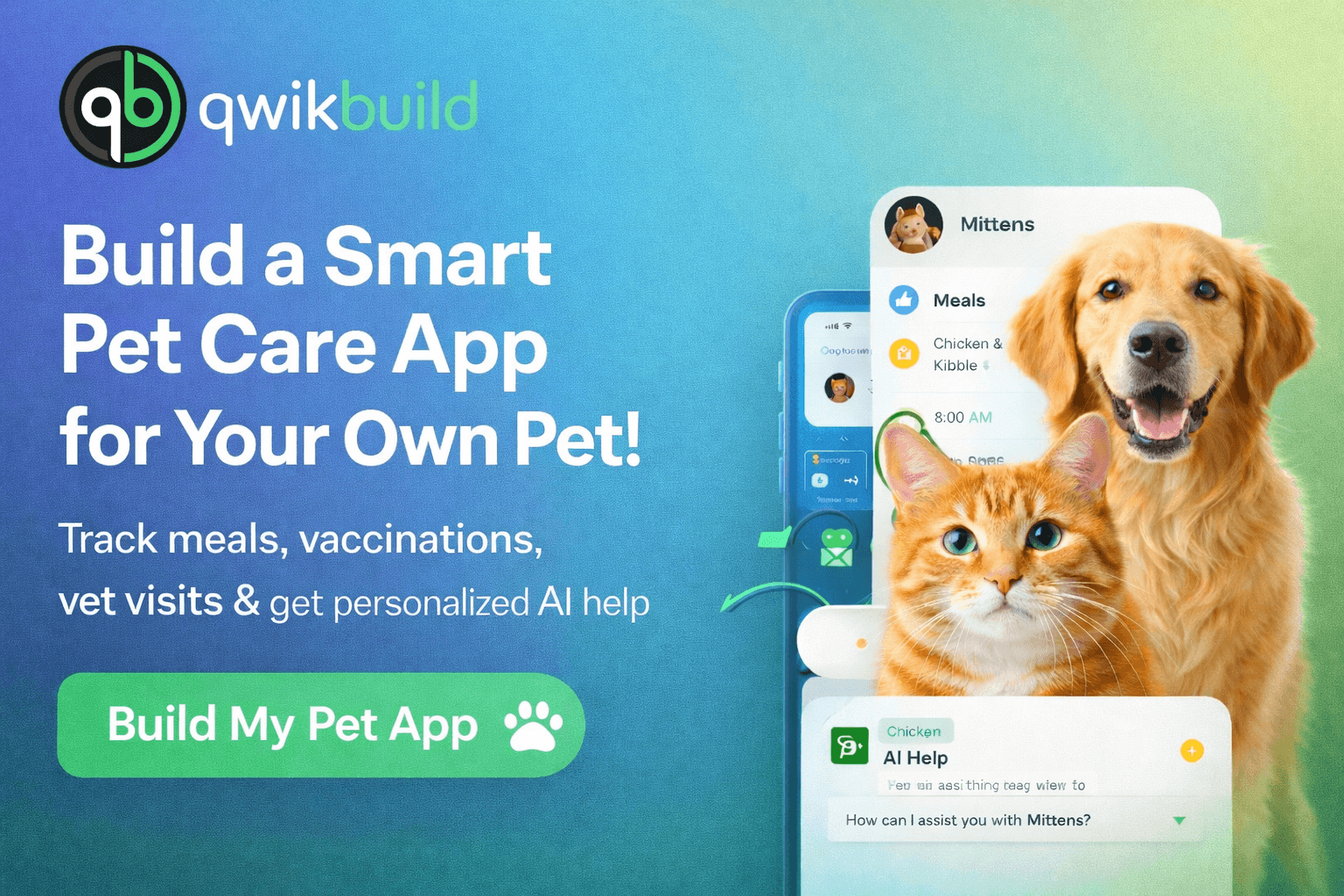
Introduction
Most pet parents don’t really track their pet’s care. We feed them when we remember, sometimes twice, sometimes late — and important things like vaccinations or vet follow-ups often get missed.
That’s exactly why I built a personal pet care app for my own pet using QwikBuild. Now everything — meals, vaccines, appointments, medical notes, and health questions — lives in one simple app, with guidance based on my pet’s actual data.
This tutorial shows how I built it — and how you can build one for your pet too.
The Challenge: Before building the app, I struggled with:
• Overfeeding or missing meal schedules
• Forgetting vaccination dates
• Losing medical records
• Missing vet appointments
• Searching online for generic advice that didn’t fit my pet
Goal:
Build one reliable place that truly understands my pet.
Step 1: Initial Prompt & First Version
I started with this message to QwikBuild:
I want to build a personal pet care app for my [PET TYPE — dog/cat]. The app should begin with an onboarding flow where I add my pet’s name, age, breed, weight, gender, and optional medical details like allergies, conditions, medications, and vet notes. I want the app to help me track: • Daily meals (what, how much, time) • Vaccinations (name, date, next due, status) • Doctor appointments (date, reason, notes) The app should store everything in a clear pet care timeline. Add reminders for meals, vaccinations, and appointments. Include an AI help section where I can ask questions about my pet and receive guidance based on my pet’s profile and history.
Step 2: Improve the App with Updates
Update Request 1 — Pet Health Timeline
Request:
Please add a clean timeline view that shows all meals, medical events, vaccines, and appointments in chronological order.
Result:
Complete care history for my pet in one view.
Update Request 2 — Emergency Info Card
Request:
Add an emergency pet card with my pet’s allergies, medications, vet contact, and medical conditions for quick access.
Result:
One-tap emergency access to critical information.
Update Request 3 — Multi-Pet Support
Request:
Allow me to manage more than one pet inside the same app.
Result:
Multiple pet profiles under one account.
Update Request 4 — Document Storage
Request:
Allow uploading vaccination cards, prescriptions, and lab reports.
Result:
All medical documents stored securely inside the app.
Step 3: Troubleshooting — A Pro Tip
If something feels off:
Describe what you see
Share a screenshot
Send a short update request
Repeat until the app feels perfect for your pet.
Key Features
• Personalized pet profile
• Meal & nutrition tracking
• Vaccination & appointment reminders
• Medical history & document storage
• AI help tailored to your pet
• Full care timeline
• Emergency info card
• Multi-pet support
Wrapping Up
This app became my pet’s complete digital health companion — and I never worry about forgetting important care again.
You can build the same for your pet.