Smart Lead Manager for Your Business

Amrit Singh
Jan 14, 2026
Introduction
A small business owner was losing deals — not because of bad service, but because leads were getting lost in spreadsheets, slow replies, and forgotten follow-ups.
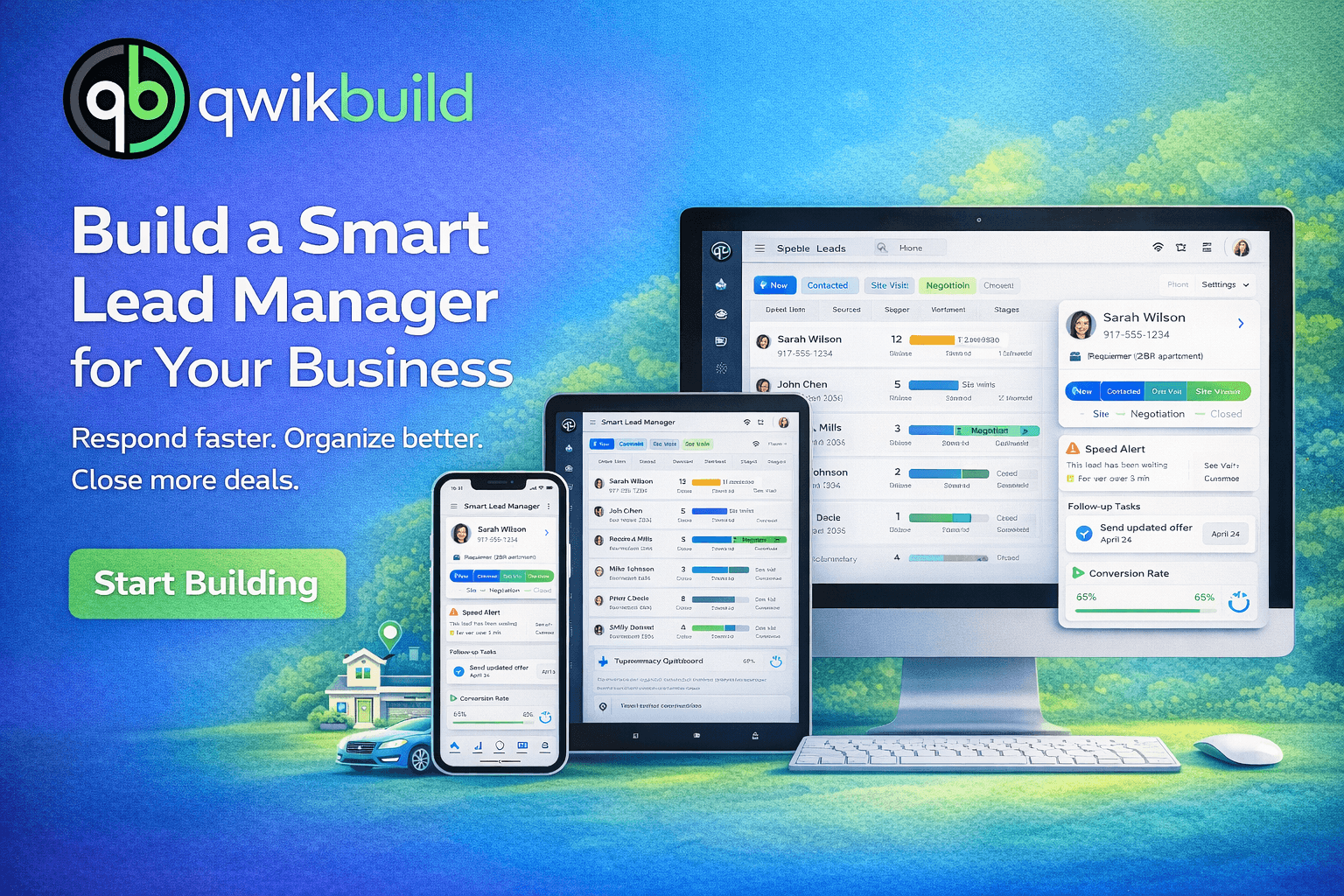
So he built a Smart Lead Manager using QwikBuild.
Today, every lead is captured, tracked, assigned, and followed up automatically — and responses are faster than ever.
This tutorial shows how he built it — and how you can customize it for your business
The Challenge: Before the app, the business struggled with:
• Leads scattered across Excel, WhatsApp, and email
• Slow response times
• No clear ownership of leads
• Missed follow-ups
• No visibility on deal progress
• Lost revenue without knowing why
Goal: Build one system that gives full control over every lead — in real time.
Step 1: Initial Prompt & First Version
I want to build a lead management system for my real estate business. Capture all incoming leads with name, phone, source, and requirement. Create a detailed lead profile for each one.
Confirm → App goes LIVE
QwikBuild generated the first live version instantly.
Step 2: Add Core Features & Improve Experience
Update Request 1 — Pipeline Stages
Request:
Add pipeline stages like:
New → Contacted → Site Visit → Negotiation → Closed / Lost
Result:
Clear visual pipeline for all deals.
Update Request 2 — Follow-Up & Activity Log
Request:
Add follow-up tasks and an activity log for each lead.
Result:
Nothing slips through the cracks.
Update Request 3 — Speed-to-Lead Alerts
Request:
Alert the team if a lead isn’t contacted quickly.
Result:
Response times improve dramatically.
Update Request 4 — Reporting & Growth Insights
Request:
Add reports to track conversion rates and team performance.
Result:
The business grows with data, not guesswork.
Step 3: Troubleshooting — A Pro Tip
Describe the issue → share screenshot → send update → repeat.
Most apps reach perfection after a few quick improvements.
Key Features
• Lead capture
• Lead profiles
• Pipeline stages
• Auto-assignment
• Follow-up tasks
• Activity log
• Speed alerts
• Reporting dashboard
Wrapping Up
By fixing lead response and organization, the business increased conversions and revenue — without hiring more staff.
You can build the same system for your business.