Build a Marketing Campaign Planner App for Your Business

Amrit Singh
Jan 19, 2026
Introduction
Most small business owners manage marketing across WhatsApp, Google Sheets, notes, and random reminders — which leads to missed deadlines, messy tracking, and unclear results.
Using QwikBuild, a small business owner built a simple Marketing Campaign Planner App to manage all campaigns in one place — from planning to execution to results — without any coding.
This tutorial shows exactly how they built it.
The Challenge: Before using QwikBuild, marketing was chaotic:
No single place to track campaigns
Missed deadlines and last-minute rush
Confusion between planned vs actual spend
No clear way to measure what worked
Repeating the same planning every month
Their main frustration was simple:
“I spend money on marketing — but I don’t really know what’s working.”
So they asked QwikBuild:
“Can I build one app to plan, track, and measure all my marketing in one place?”
And they built it through a simple WhatsApp conversation.
Step 1: Initial Prompt & Requirement Gathering
The business owner started with this request:
I want to build a Marketing Campaign Planner app that helps me plan, execute, and track all my marketing activities in one place — including social media, WhatsApp, email, and ads.
After a few clarifying questions, QwikBuild generated the first live version of the app instantly.
Hit ‘Confirm’ → App goes LIVE
Step 2: Update the App — Add More Power
After using the first version, the owner requested key improvements.
Update Request 1 — Budget Tracking
I want to track both estimated and actual spend for each campaign.
Result:
Budget field added
Actual spend tracking added
Red warning if overspend happens
Now they could instantly see:
Which campaigns were over budget
Which channels were costing too much
Update Request 2 — Results & ROI Dashboard
I want to know what actually worked.
The app was updated to allow them to log:
Leads generated
Sales generated
Total spend
Engagement
The system automatically calculated:
Cost per lead
Cost per sale
ROI
And displayed a simple dashboard showing:
Best campaign
Worst campaign
Most cost-effective channel
Update Request 3 — AI Marketing Assistant
The owner asked for built-in AI help.
The app now allowed them to ask questions like:
“Give me 3 Instagram reel ideas for my café.”
“Write a WhatsApp message for my sale.”
“Suggest a budget split for ads.”
The AI assistant provided instant marketing ideas.
Step 3: Troubleshooting — A Pro Tip
Describe the issue → share screenshot → send update → repeat.
Most apps reach perfection after a few quick improvements.
Key Features
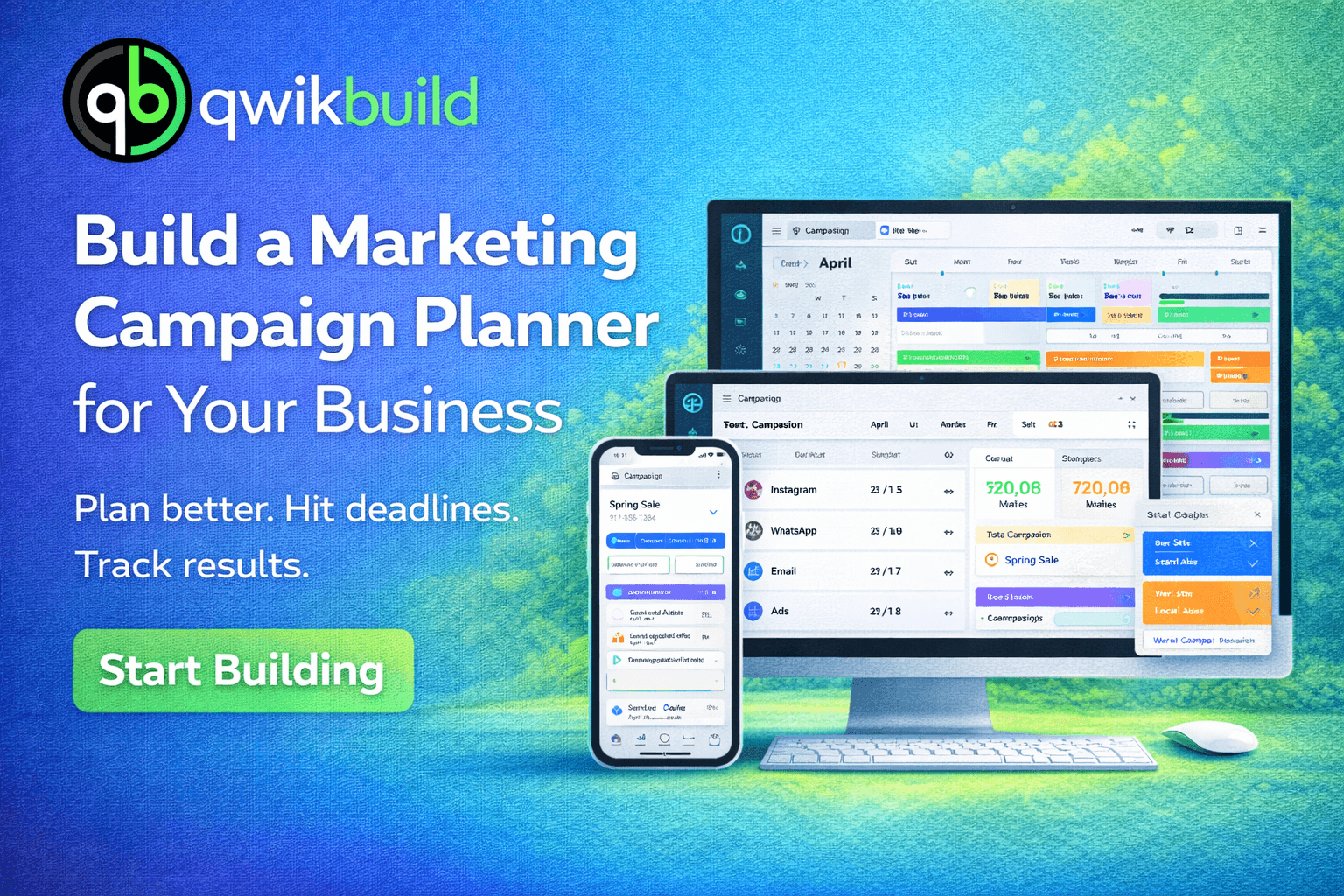
📅 Unified marketing calendar
📢 Multi-channel campaigns
🗂 Task management
💰 Budget vs actual spend tracking
📊 ROI dashboard
🤖 AI marketing assistant
📥 CSV exports
👥 Team collaboration
Wrapping Up
With QwikBuild, a small business owner transformed messy marketing into a clean, organized system.
No spreadsheets. No chaos. No confusion.
Everything became:
Planned
Trackable
Measurable